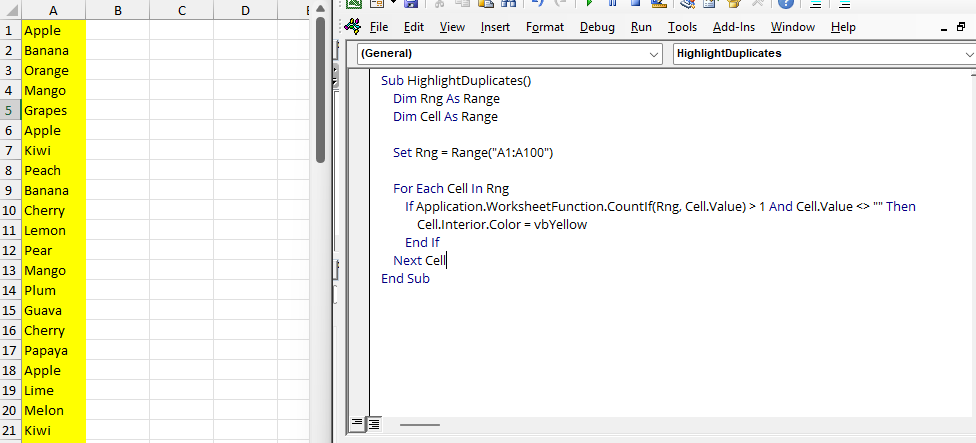
Highlight Duplicate Values in Excel with a Simple Macro (Step-by-Step Guide)
We’ve all dealt with messy Excel sheets where the same value appears more than once. Whether it’s duplicate names, IDs,...
Master Excel with our comprehensive tutorials and guides
29 tutorials available
We’ve all dealt with messy Excel sheets where the same value appears more than once. Whether it’s duplicate names, IDs,...
Ever wished you could analyze data in Excel at the speed of light? With these 25 essential shortcuts, you'll work smarte...
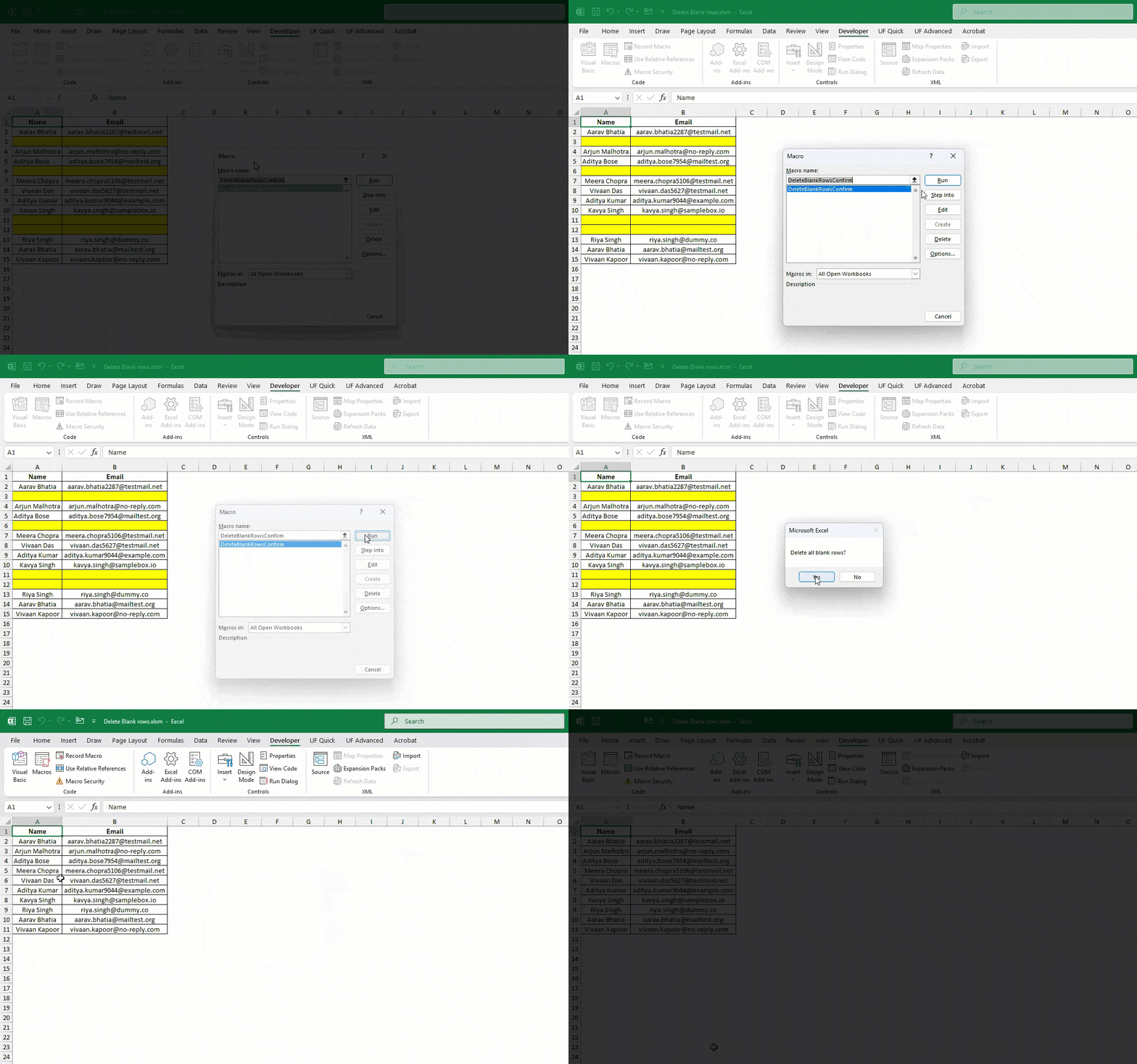
Messy Excel files with random blank rows are frustrating. I’ve faced them too while working with reports from clients or...
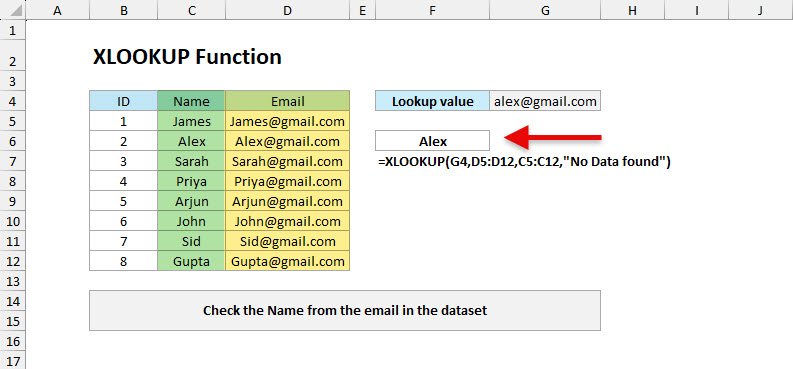
The XLOOKUP function in Excel is newly introduced in the latest version of Excel, which is a powerful replacement for ol...
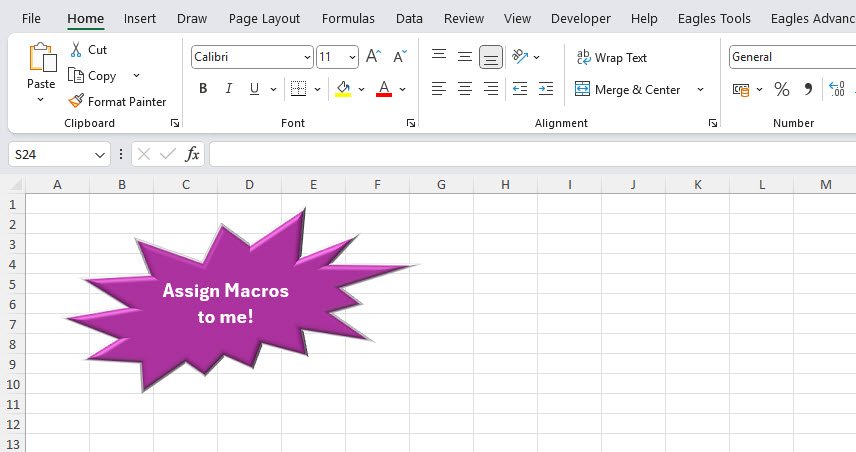
Have you ever wished you could make your Excel workbooks more interactive and user-friendly? What if you could click a b...
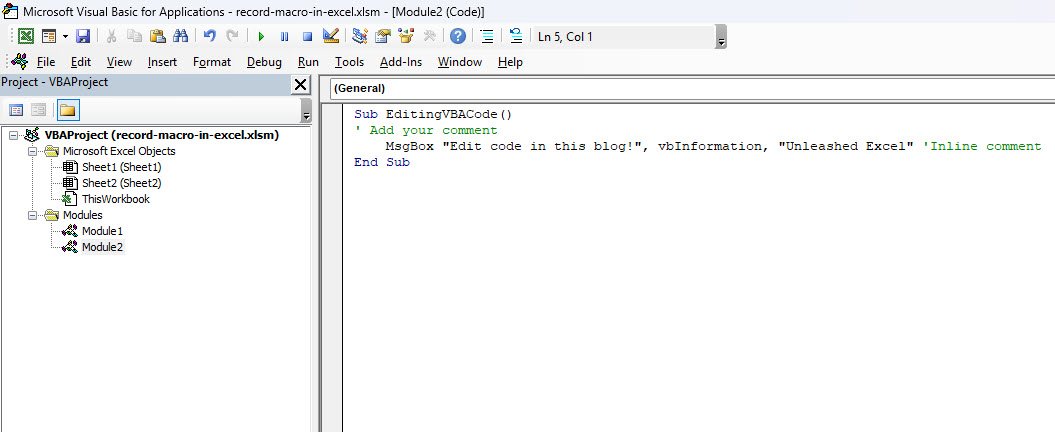
If you’ve started exploring macros, you already know how to record them to automate repetitive tasks. But here’s a littl...
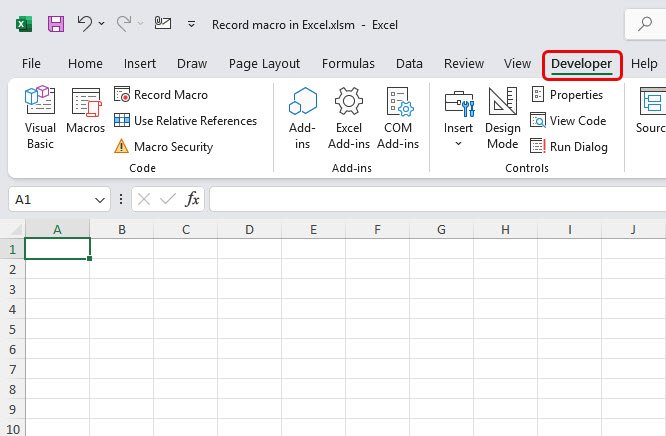
If you’re anything like me, you want to spend less time repeating tasks and more time thinking, analyzing, and creating....
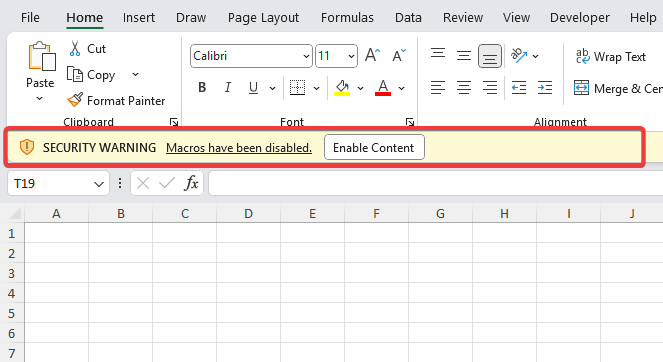
Macros in Excel can save you hours by automating repetitive tasks—but they can also be risky if used carelessly. In this...
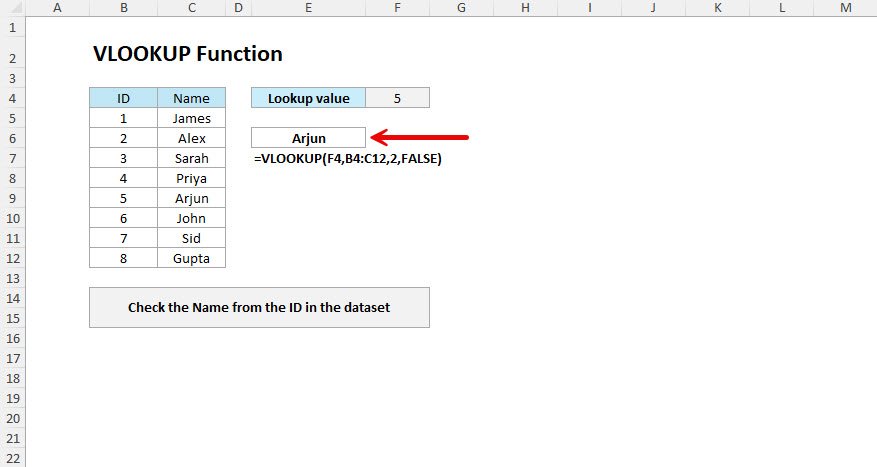
The VLOOKUP function in Excel looks for a value in the first column of a table and gives you back information from anoth...
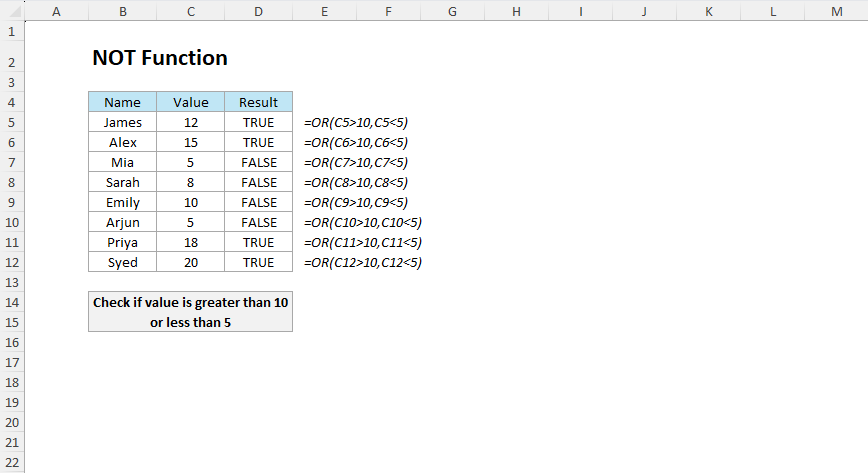
The NOT function in Excel is a useful function when you want to reverse a logical value by returning TRUE if the conditi...
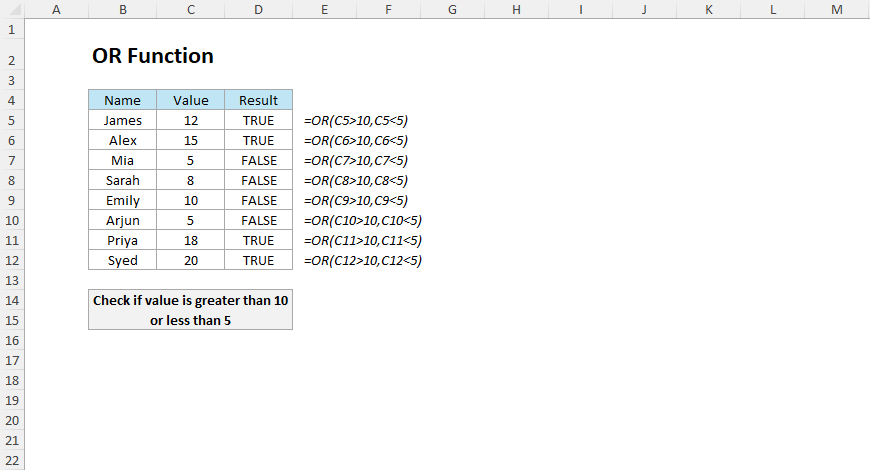
The OR function in Excel evaluates multiple conditions and returns TRUE if at least one condition is TRUE; otherwise, it...
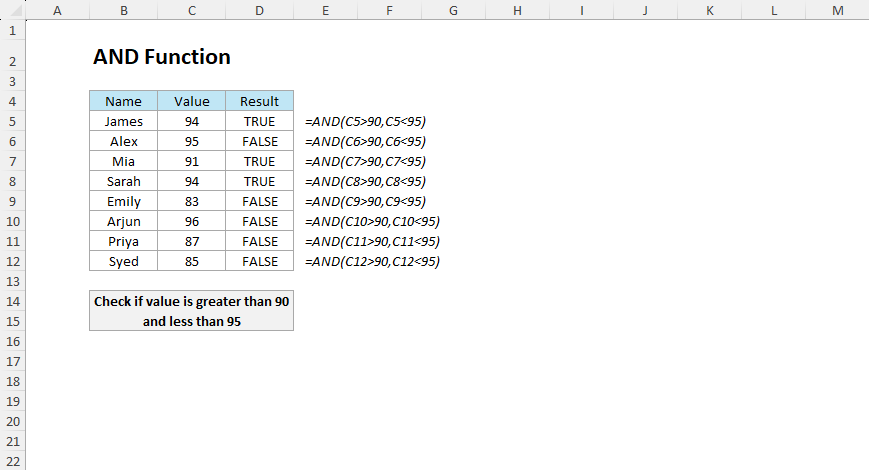
The AND function in Excel checks if multiple conditions are met and returns TRUE if only all the conditions are TRUE; ot...
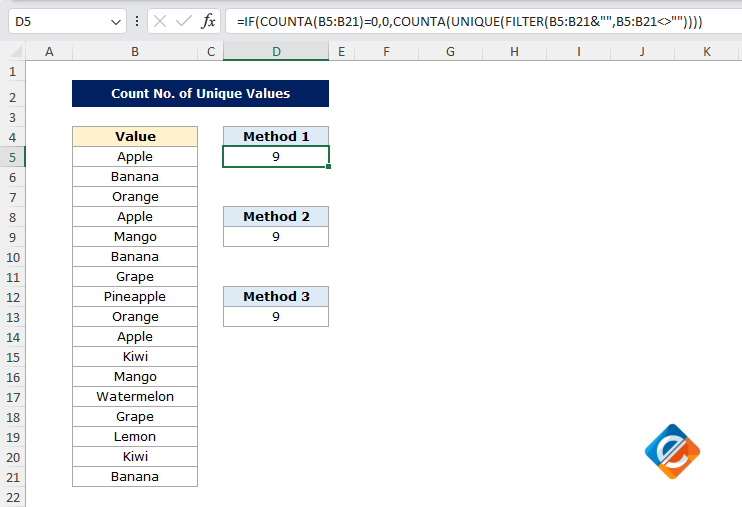
As you know, Excel is a powerful tool, but sometimes it can be confusing, especially when we need to perform a specific...
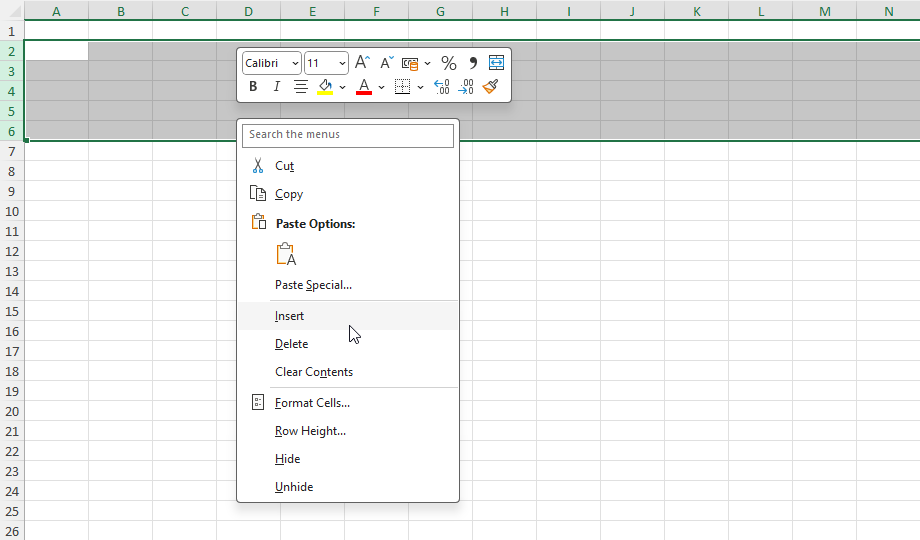
Many find adding rows in Excel is a simple task, but do you know there are several efficient ways to Insert Rows in Exce...
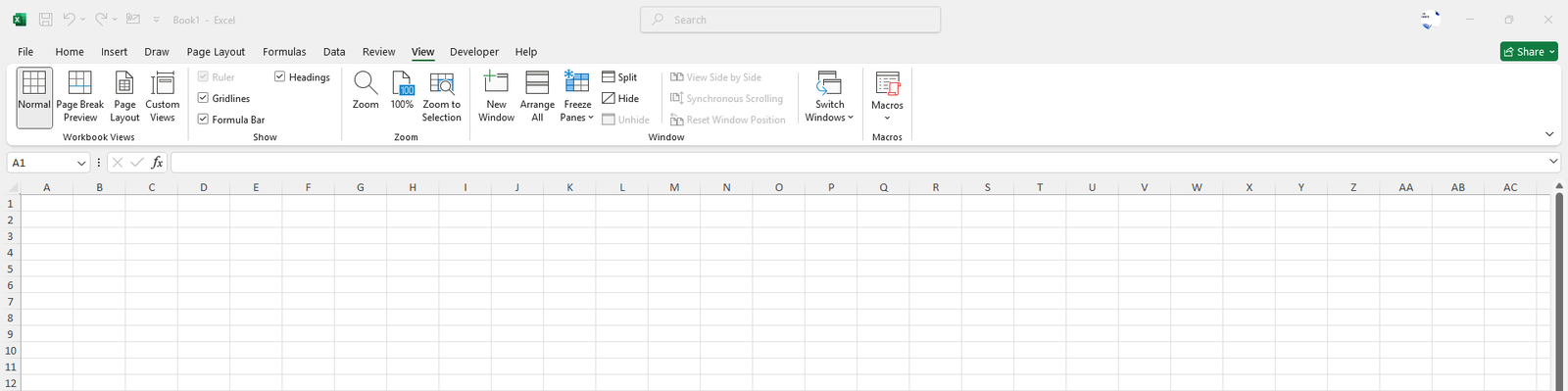
The View Tab offers you a variety of options that help you control the way you want your workspace to be displayed withi...
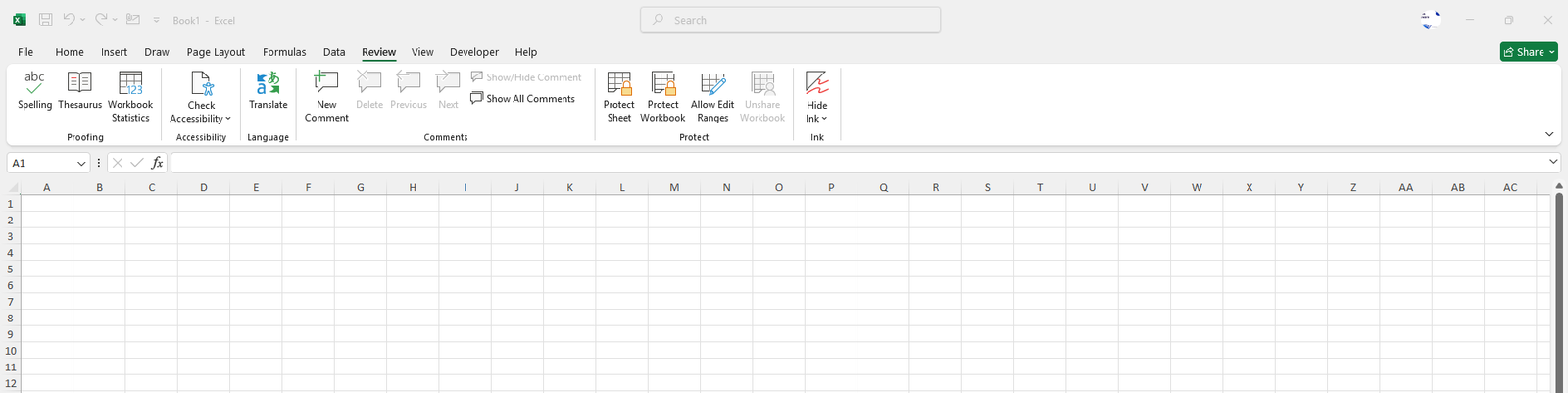
The Review Tab provides the tools that help you proofread your data, and protect and collaborate your workbook ensuring...
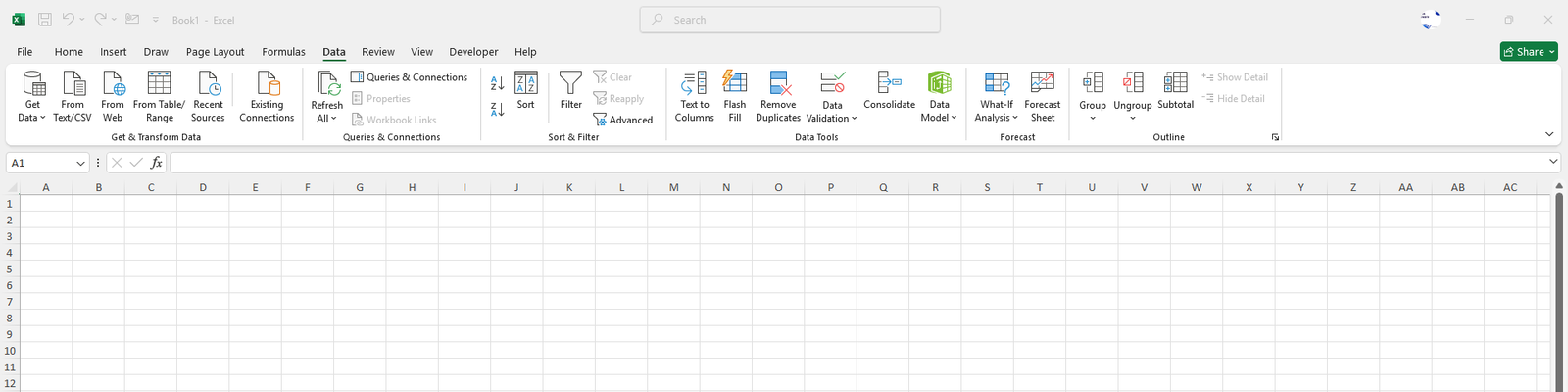
The Data Tab helps you manage, analyze and organize your data efficiently. It is a pack of functionalities such as sorti...
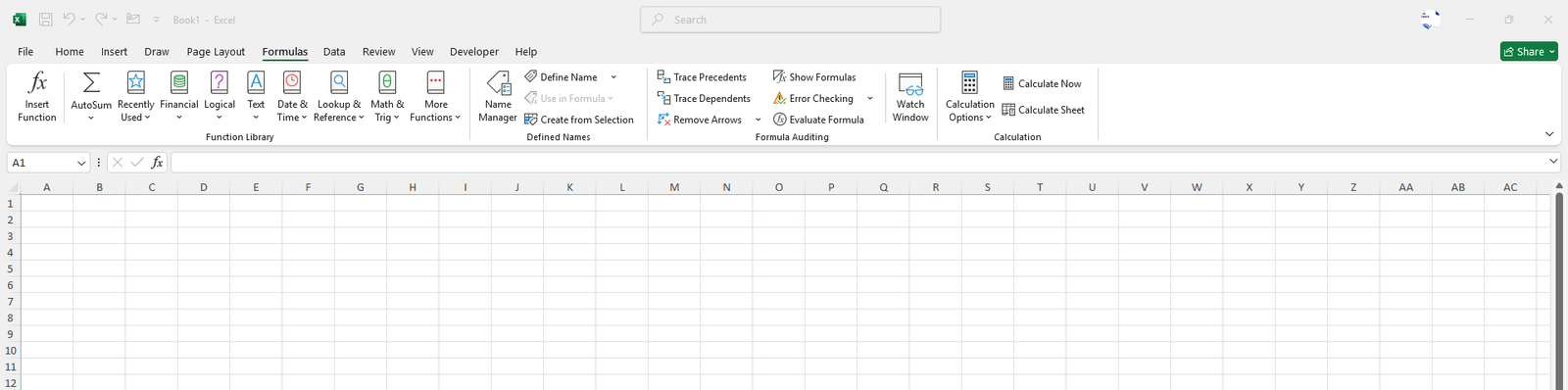
The Formula Tab helps you create, manage and analyze calculations within your workbook. It provides access to a variety...
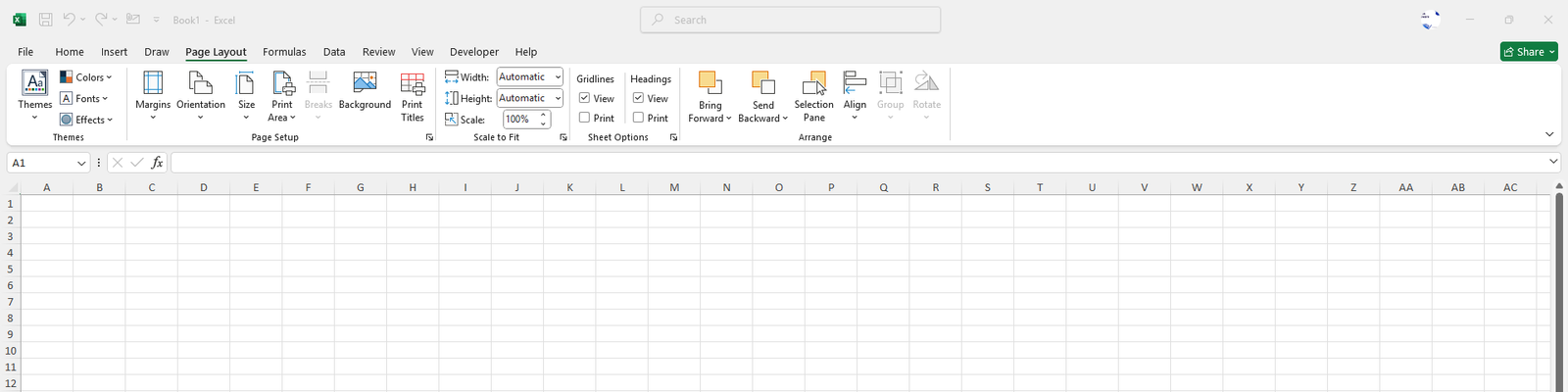
The Page Layout Tab helps you control the appearance and set up the print area to be printed in your worksheets ensuring...
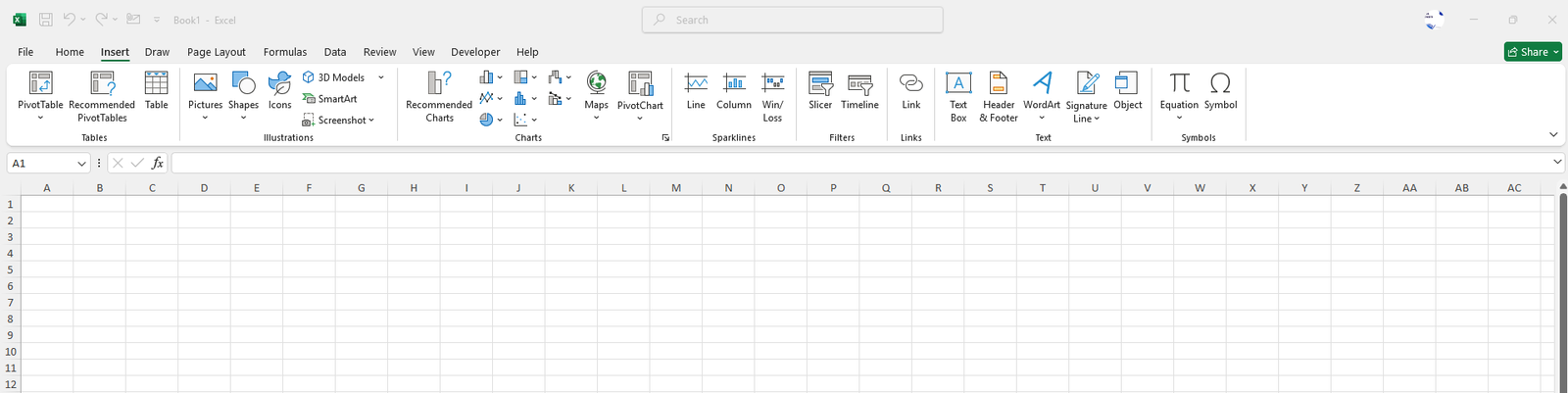
The Insert Tab provides various elements to add to your worksheet such as charts, tables, pictures, shapes and much more...
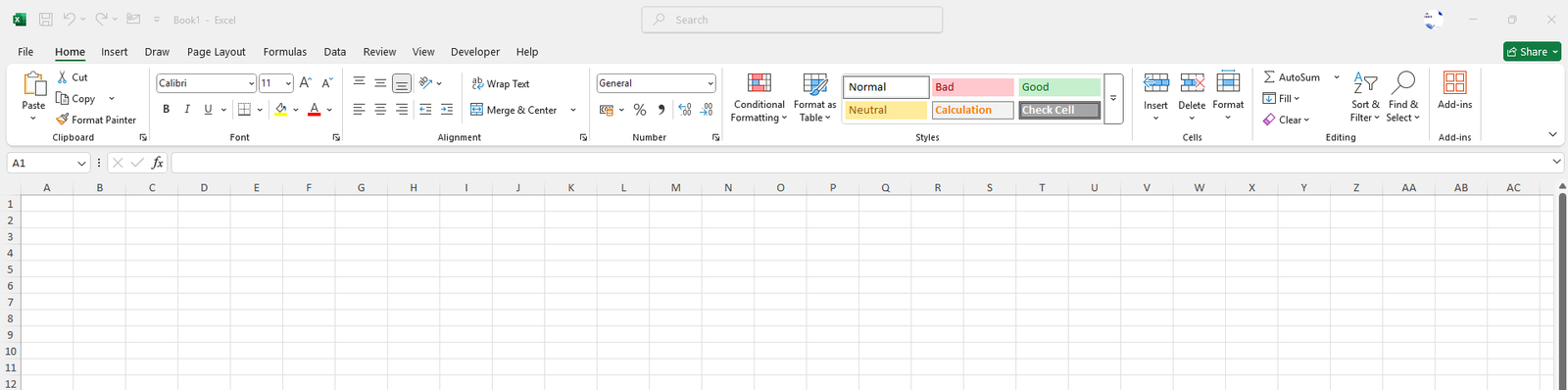
The Home Tab is the starting point for you in Excel which has tools for formatting your text, aligning text in cells, ap...
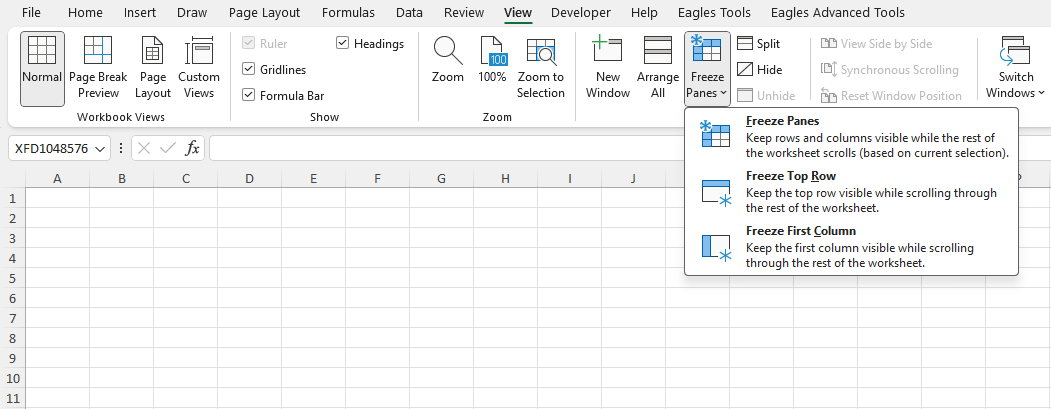
Freeze Panes is a most useful feature in Excel which allows you to lock the Rows and Columns in one place so you can scr...
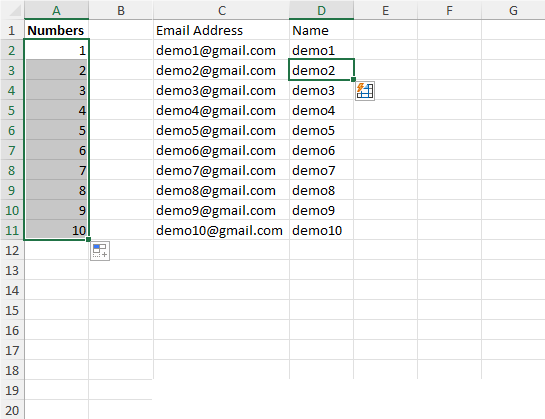
AutoFill and Flash Fill are the most useful features in Excel which can save you a lot of time and reduce repetitive tas...
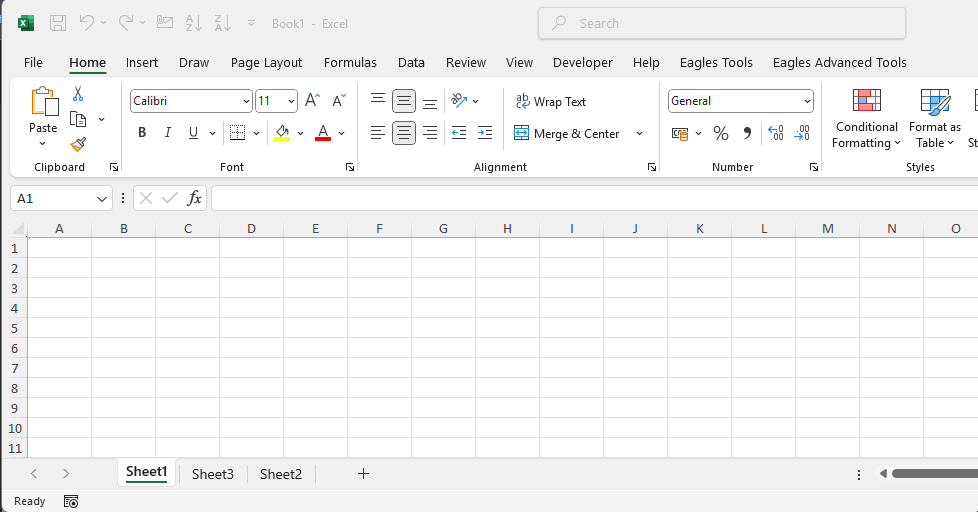
Sheets usually called Worksheets are the tabs or pages in your Excel workbook. Sheets are not used just to enter data su...
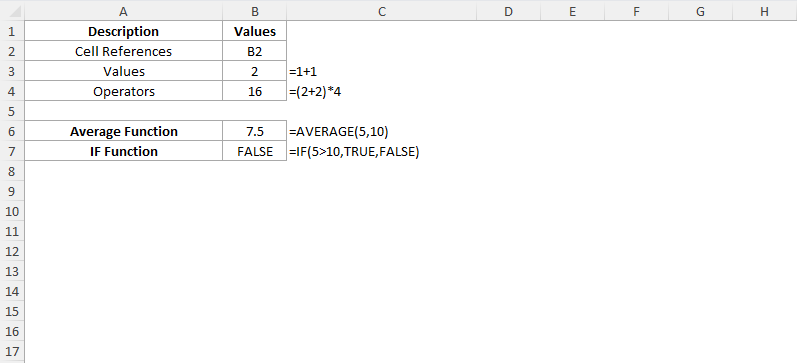
In Excel, a formula is a tool that helps you calculate results by using the data you provide or the values stored in dif...

The Formula Bar and Name Box are located just below the Ribbon in your Excel worksheet which provides easy access for da...
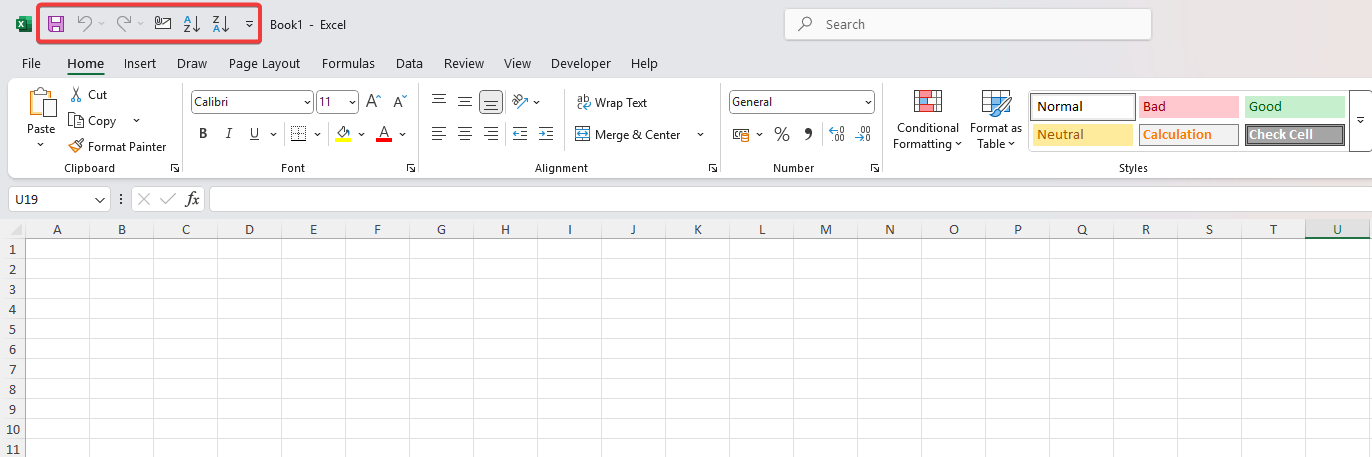
The Quick Access Toolbar (QAT) is a customizable toolbar that consists of a set of commands such as Save, Undo, and Redo...
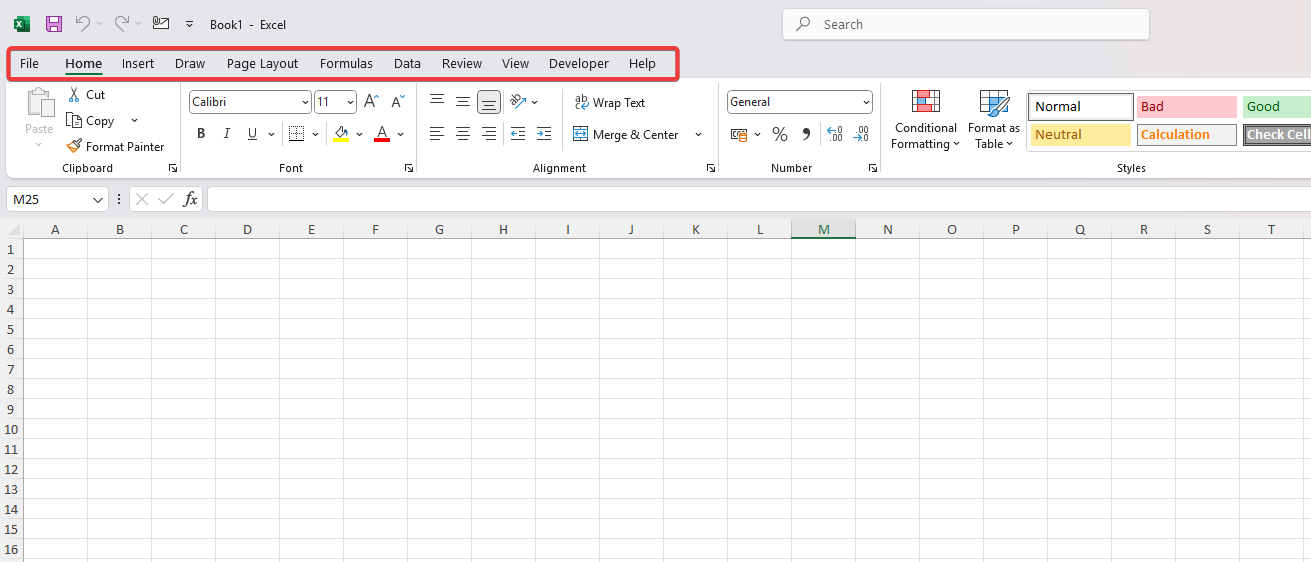
Excel Ribbons give quick access to powerful tools for formatting, data management, charts, and formulas. Learn to collap...
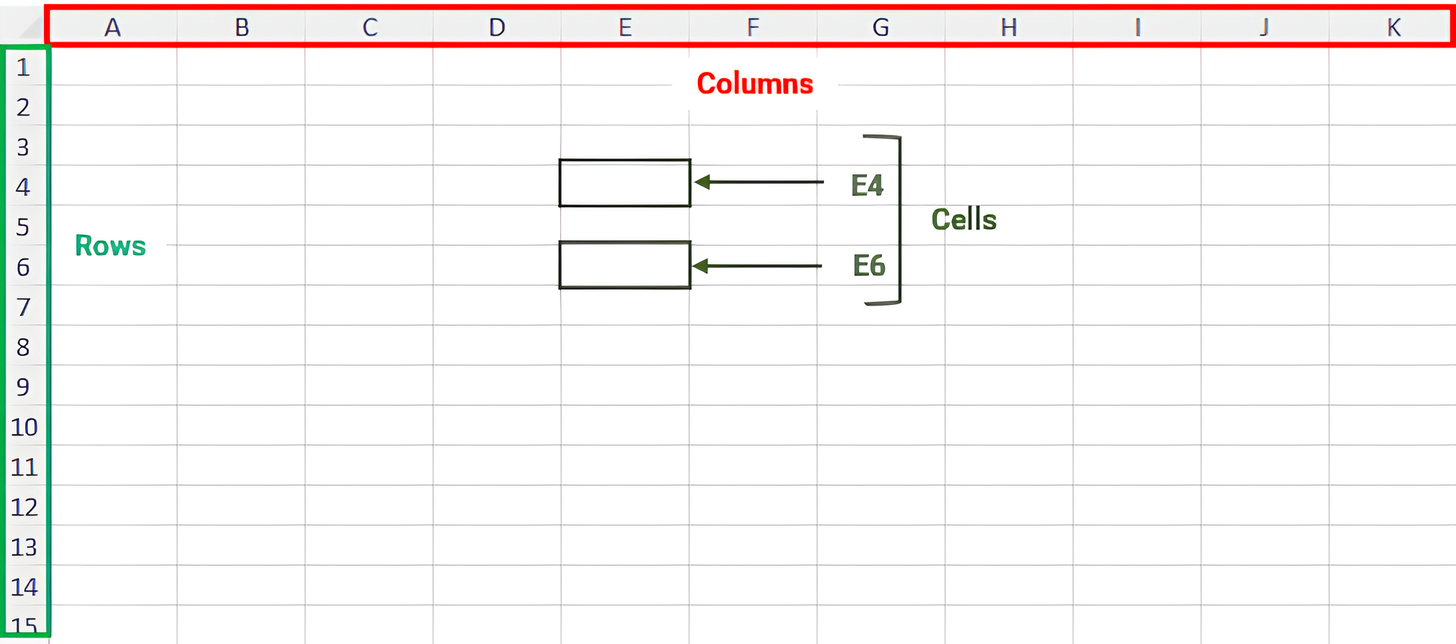
Excel is a powerful spreadsheet tool created by Microsoft and is widely used which is a part of Microsoft Office Suite....