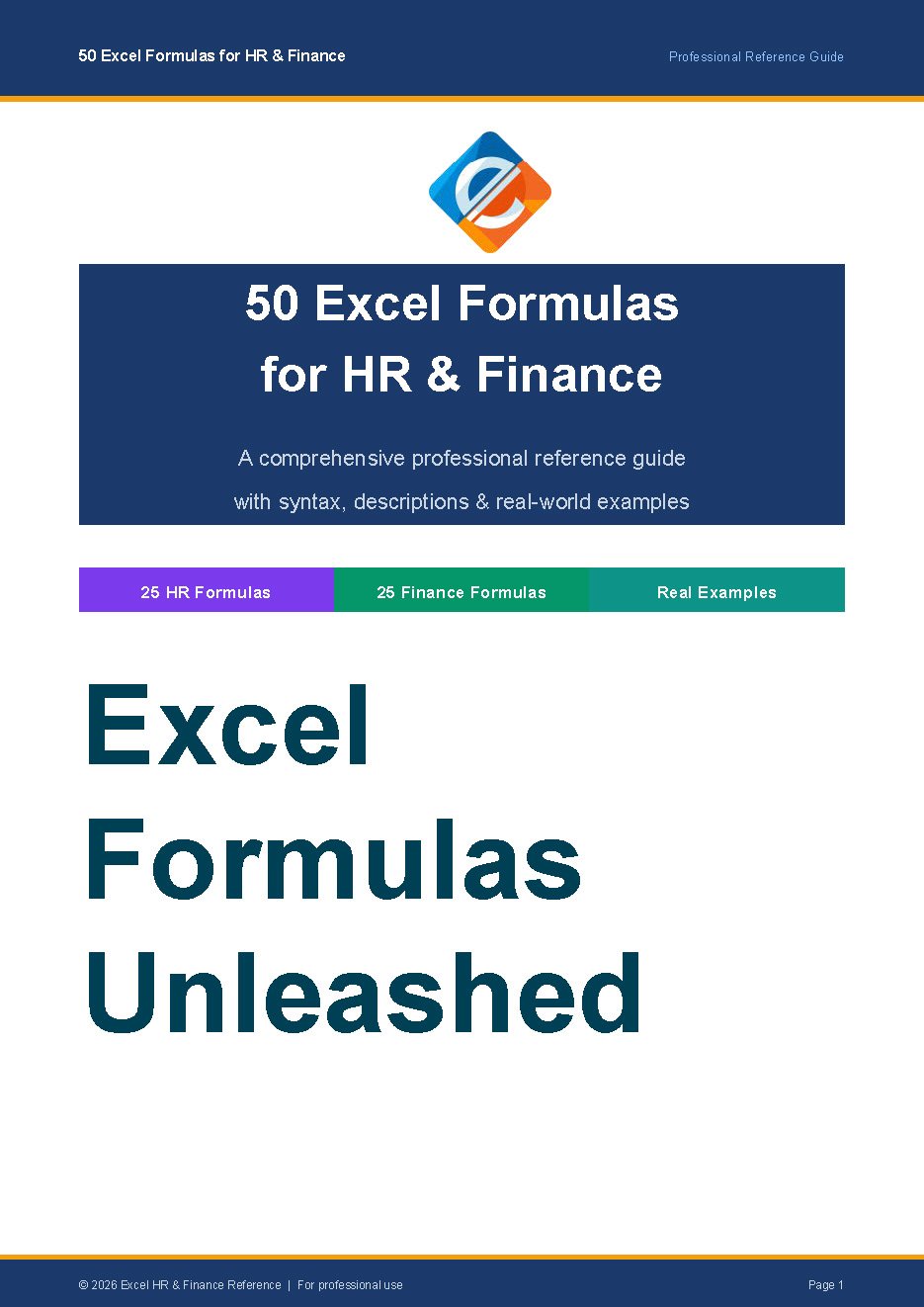
50 Excel Formulas Every HR & Finance Professional Should Know
If you've ever stared at a spreadsheet wondering "there has to be a faster way to do this" — you're not alone. Whether you're calculating employee tenure, building a loan amortisation schedule, or trying to forecast next quarter's numbers, Excel has a formula that does the heavy lifting for you. The problem? Most people only ever use about 10% of what Excel can actually do.
That's exactly why we put this guide together.
This free reference PDF covers 50 of the most useful, most practical Excel formulas specifically chosen for HR and Finance teams — the people who arguably live in spreadsheets more than anyone else. No fluff, no filler. Just formulas that solve real problems you actually face at work.
What's inside:
The guide is split into two sections. The HR half covers everything from counting employees by department with COUNTIFS, calculating years of service using DATEDIF, building dynamic staff lists with FILTER, to cleaning up messy imported data with TRIM and PROPER. The Finance half dives into NPV and IRR for investment appraisal, PMT and IPMT for loan modelling, FORECAST.ETS for revenue projections, and XIRR for those real-world cash flows that never fall on neat monthly dates.
Every single formula comes with the syntax, a plain-English explanation of what it actually does, and a real example showing you the output — so you can pick it up and use it straight away.
Who is this for?
HR Managers building workforce reports. Finance Analysts modelling budgets and forecasts. Payroll teams tired of manual calculations. Accountants who want to work smarter. Anyone who opens Excel every day and knows there's a better way.